Appearance
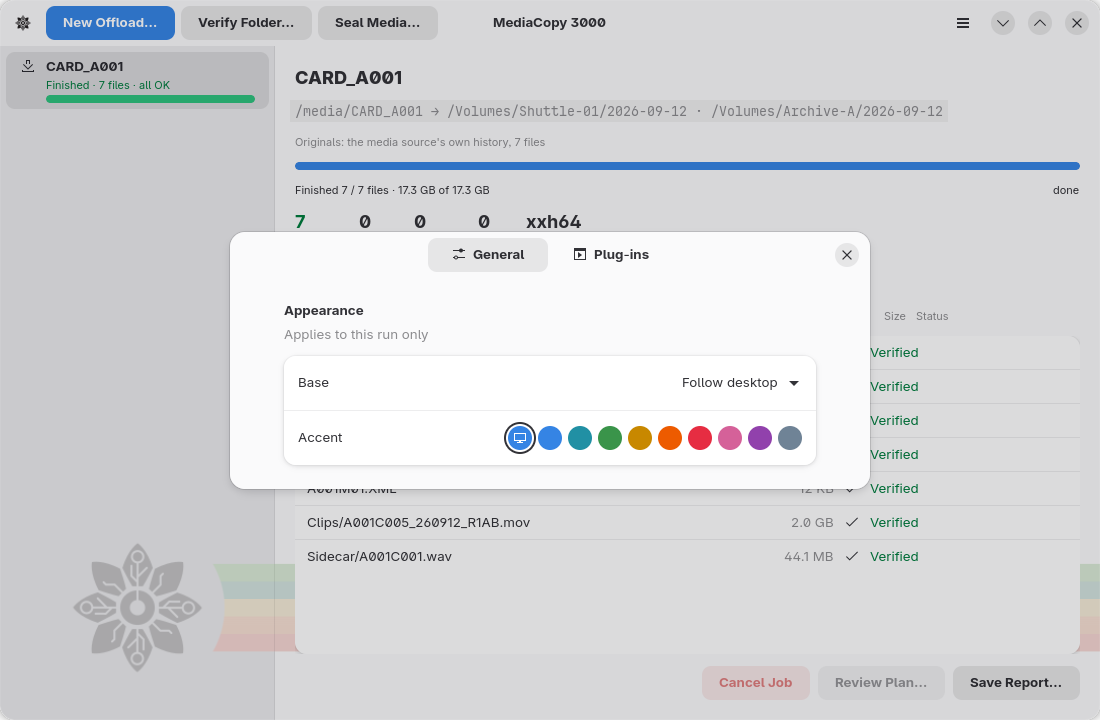
Open the preferences with the menu item Preferences, or with Ctrl+,.
Theme
The Appearance group holds two settings:
| Setting | What it does |
|---|---|
Base | Says who decides between light and dark. |
Accent | Sets the colour of buttons, links and selections. |
Base has three values:
| Value | What it does |
|---|---|
Follow desktop | The desktop decides. A change to the desktop reaches the window at once, and a running job does not delay it. |
Always light | The window stays light, whatever the desktop does. |
Always dark | The window stays dark, whatever the desktop does. |
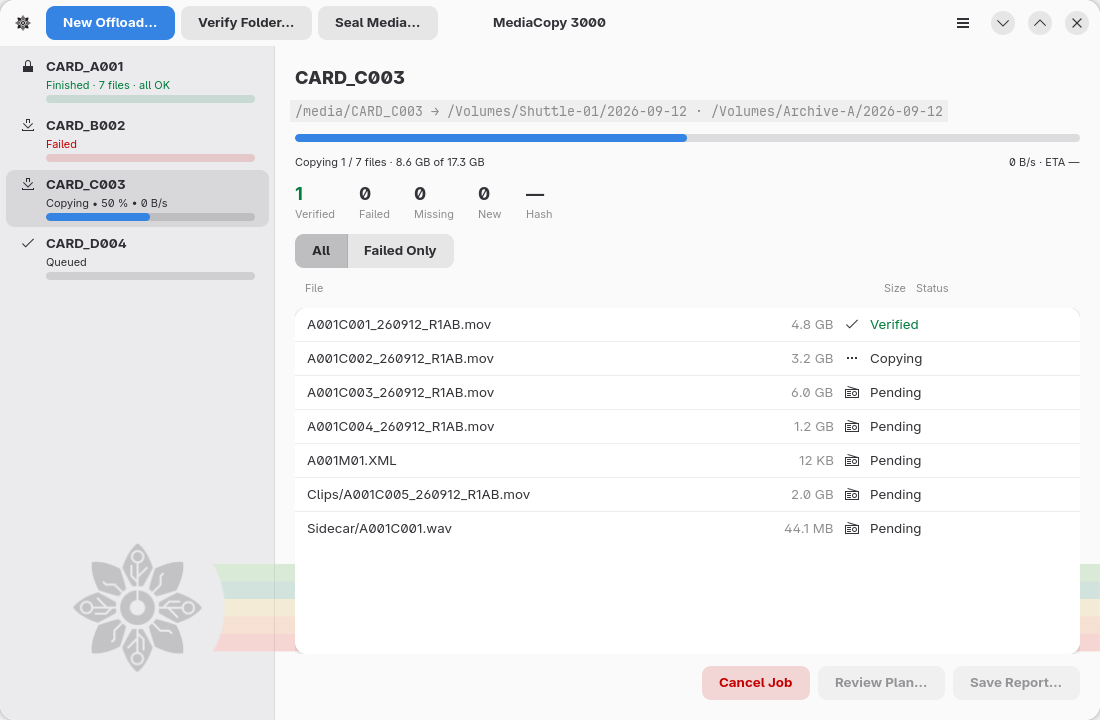
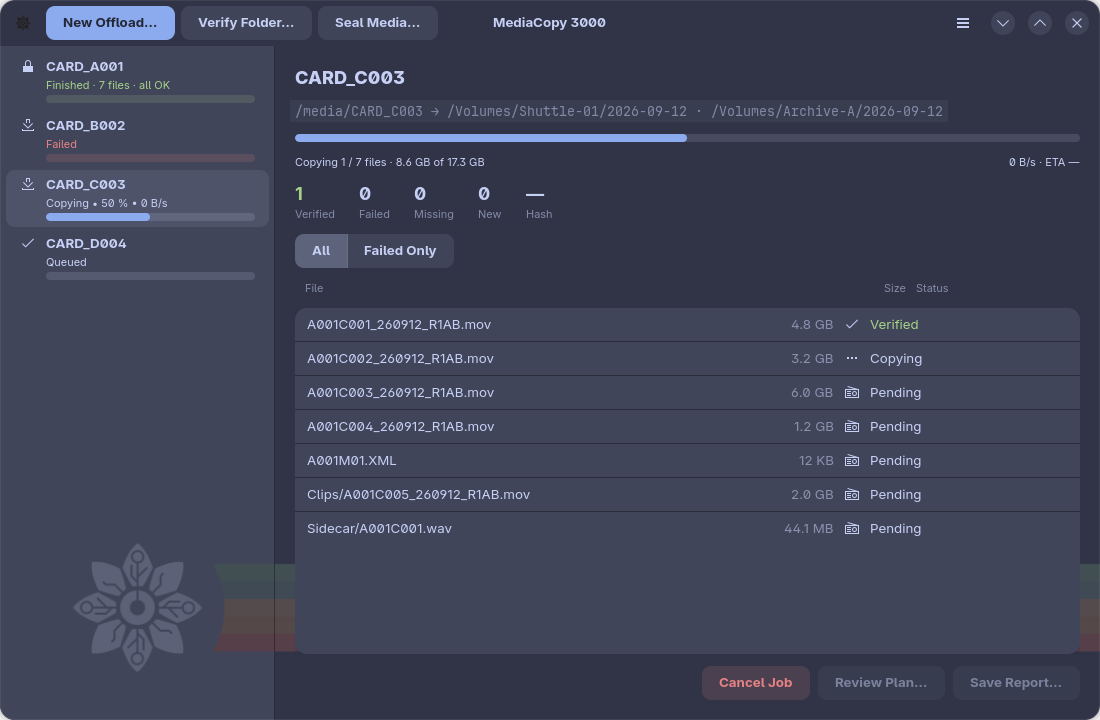
The light theme is the standard GNOME theme. The dark theme is Catppuccin Frappé.
Accent
The first button follows the desktop accent. The other buttons set one of these colours.
| Colour | Light theme | Dark theme |
|---|---|---|
| Blue | ||
| Teal | ||
| Green | ||
| Yellow | ||
| Orange | ||
| Red | ||
| Pink | ||
| Purple | ||
| Slate |